
 注册
注册
# 注册
如果你想使用portswigger的网络安全学院(Web Security Academy),可以在官网注册一个账号 https://portswigger.net/ (opens new window)
# 注册流程
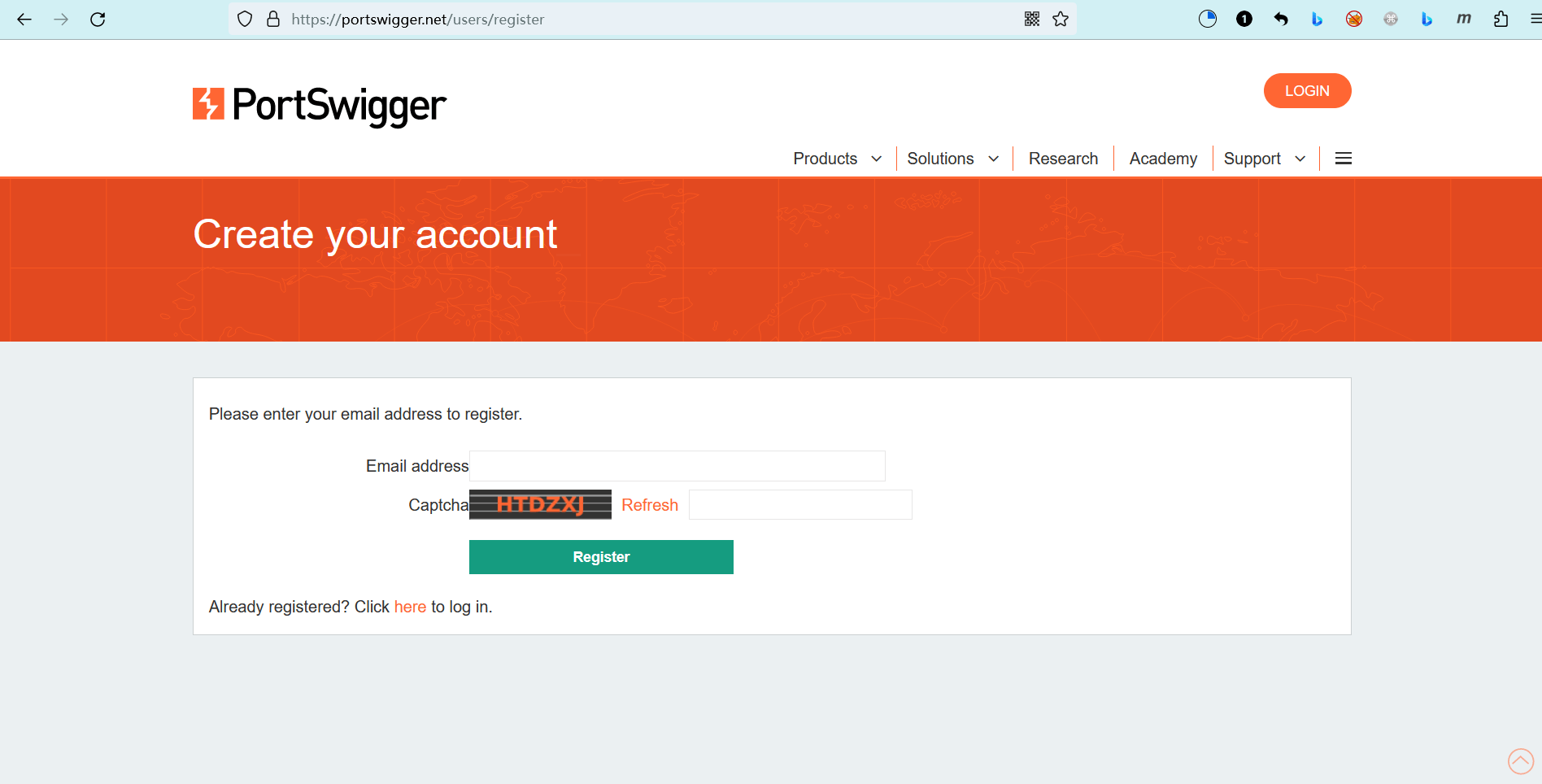
访问注册页面:https://portswigger.net/users/register (opens new window)
- 输入你的邮箱地址
- 输入验证码
- 点击“Register”,然后根据提示进行注册
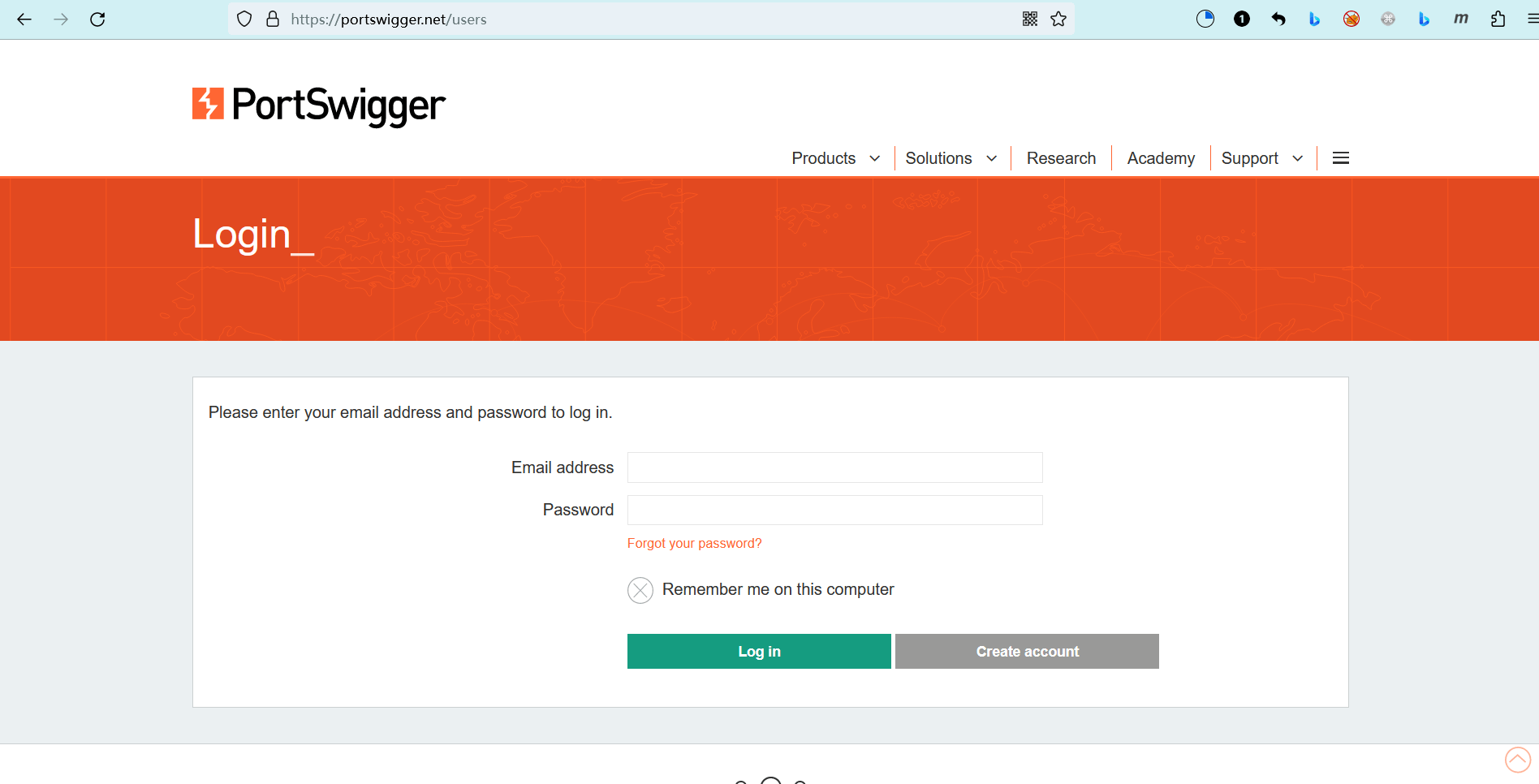
然后进行登录:https://portswigger.net/users (opens new window)
# 使用Web Security Academy
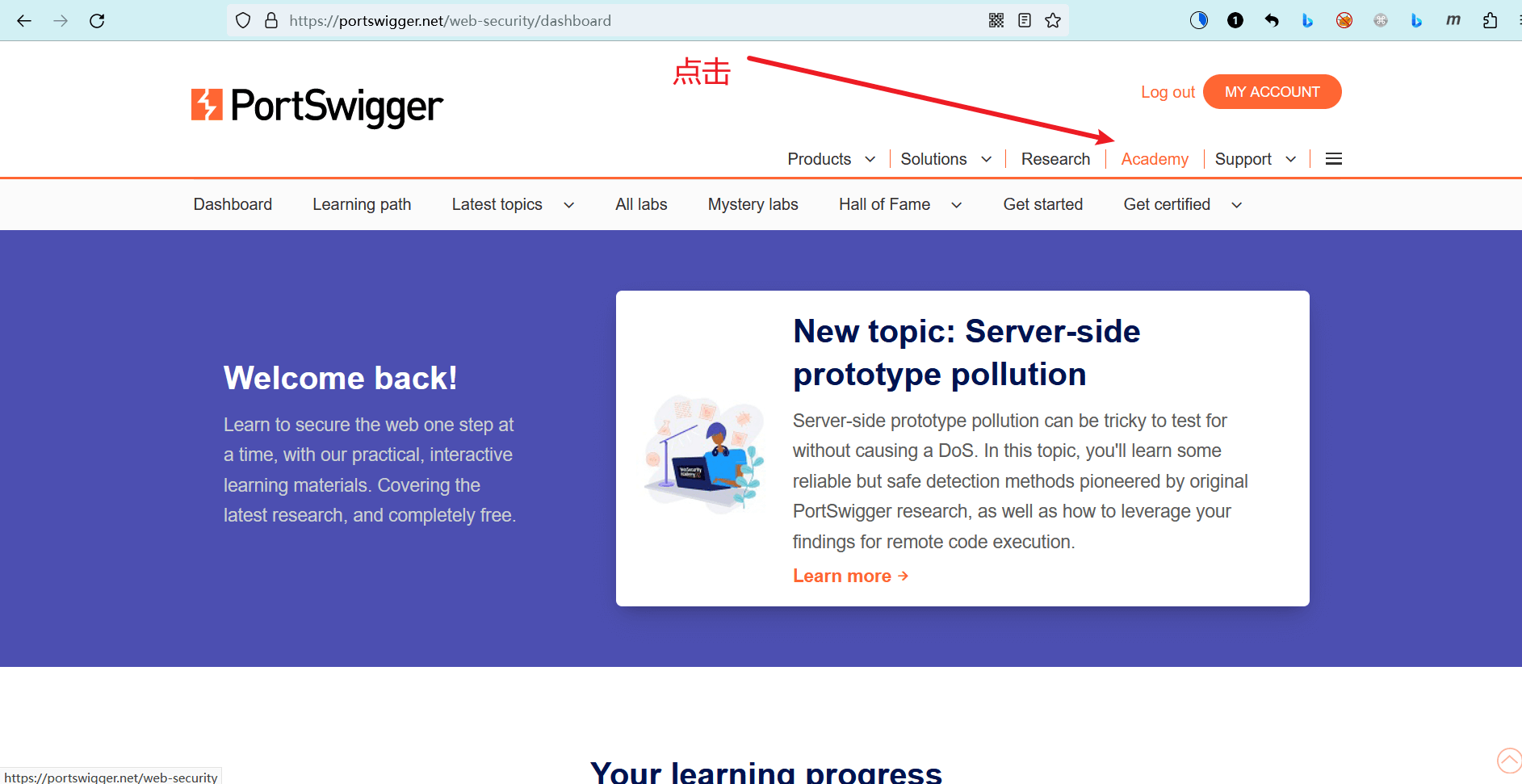
登录之后,点击“Academy”:https://portswigger.net/web-security/dashboard (opens new window)
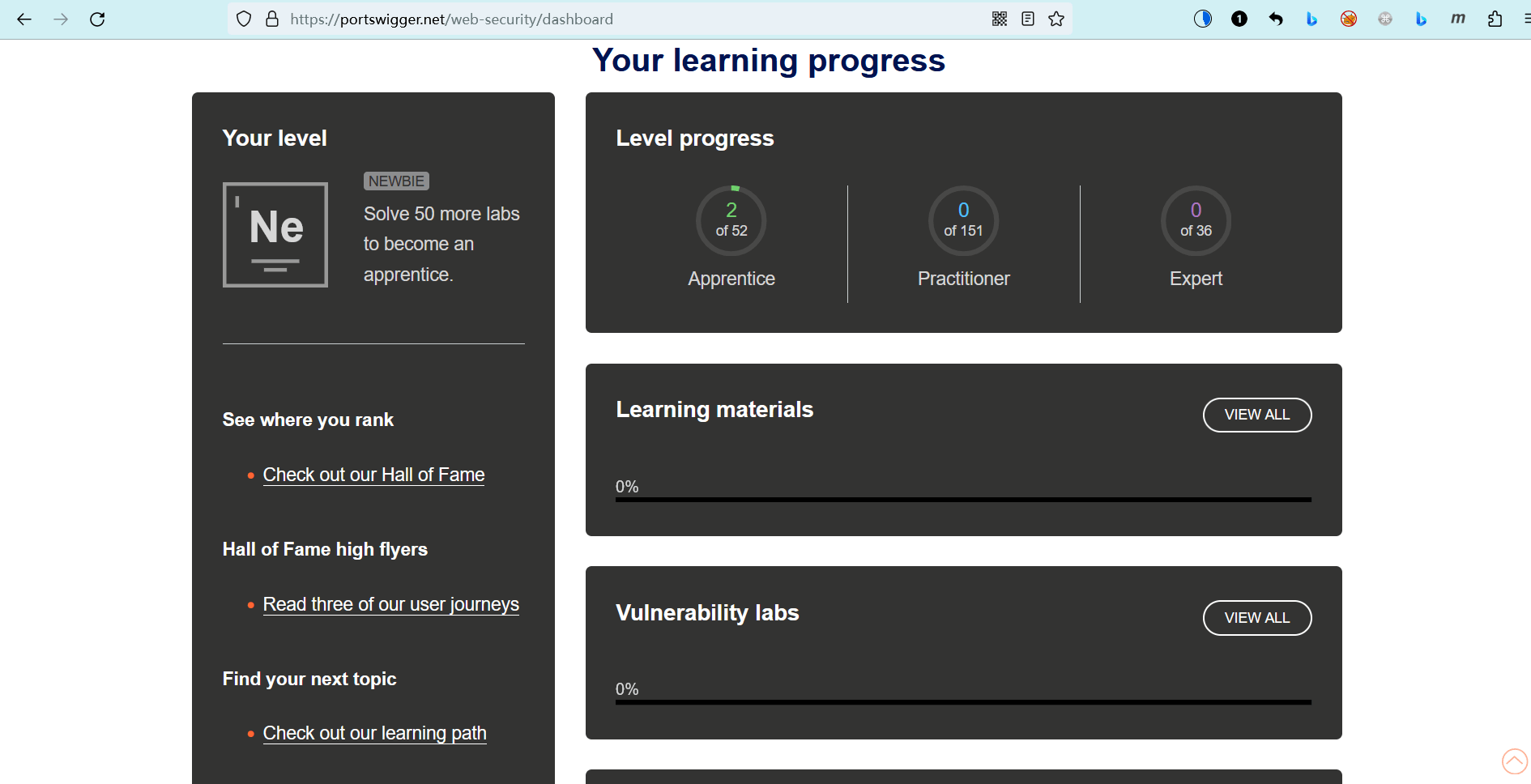
你可以看到你的仪表盘,以及你的学习进度。
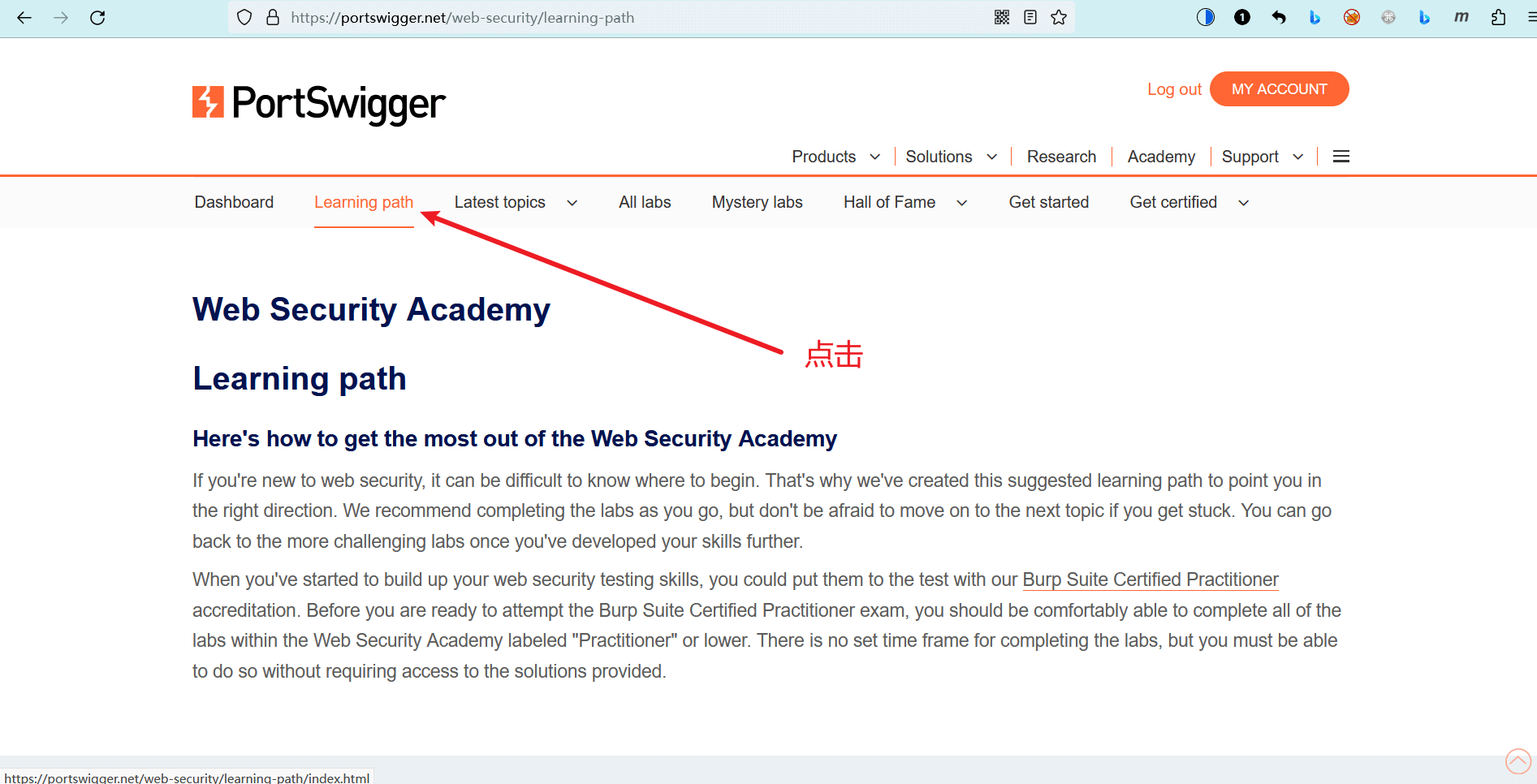
点击“Learning path”:https://portswigger.net/web-security/learning-path (opens new window)
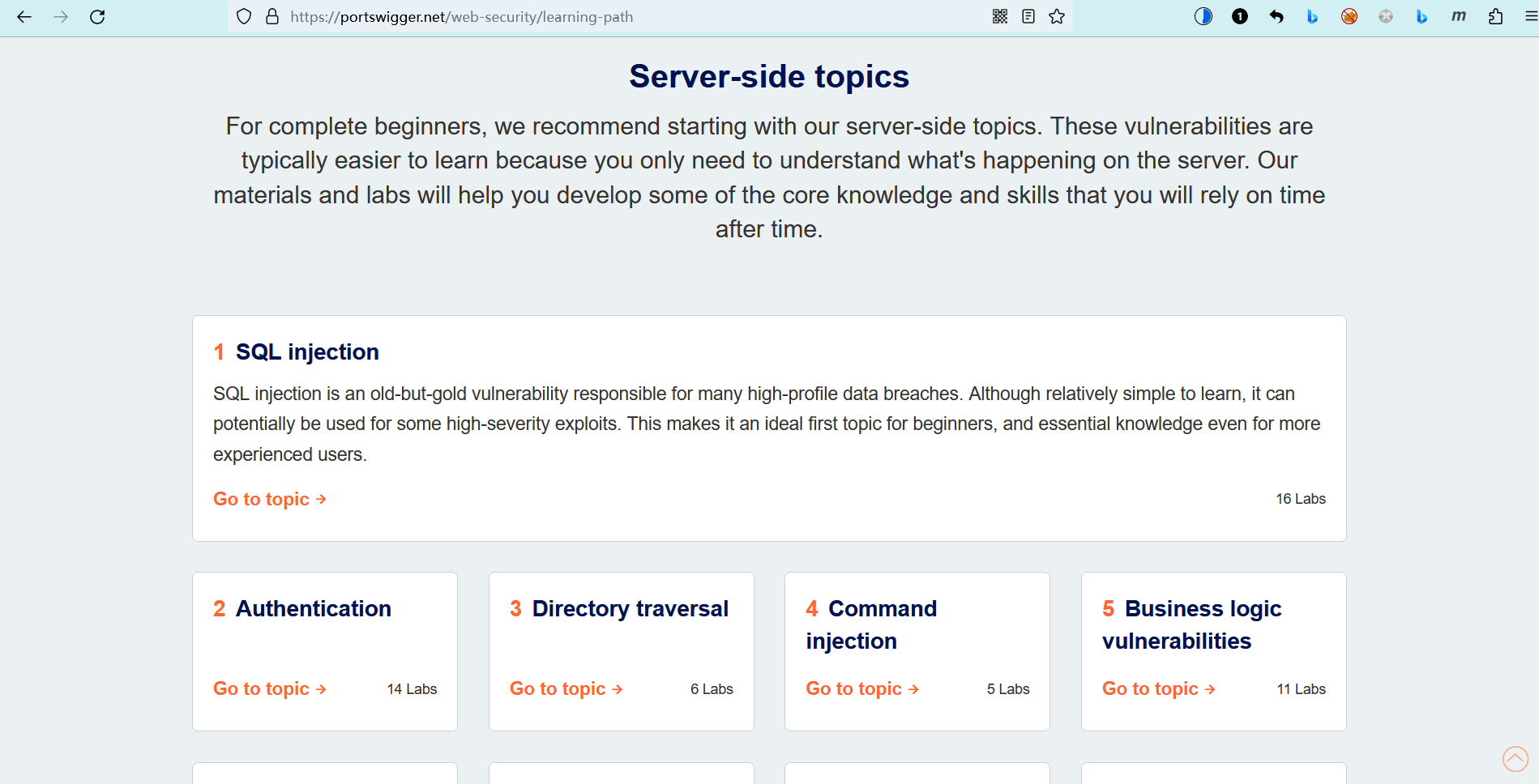
你可以看到官方为你准备的学习路线,右下角的 “XXX Labs” 是实验室(靶场)数量,实验室数量越多,说明你在该主题上花费的学习时间将会更长。
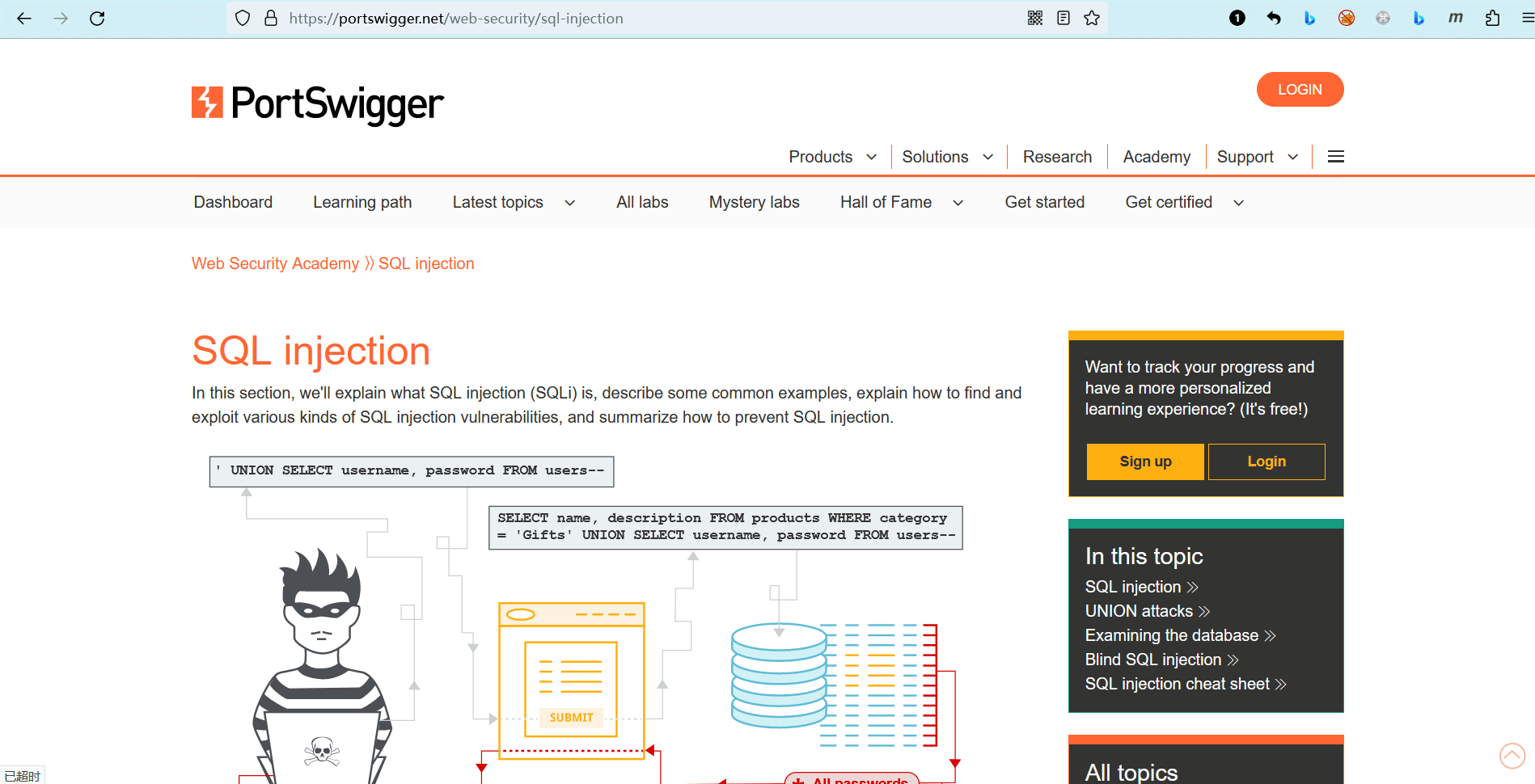
点击某个模块 进入学习详情,你可以看到官方为你准备的学习资料(只有英文)。
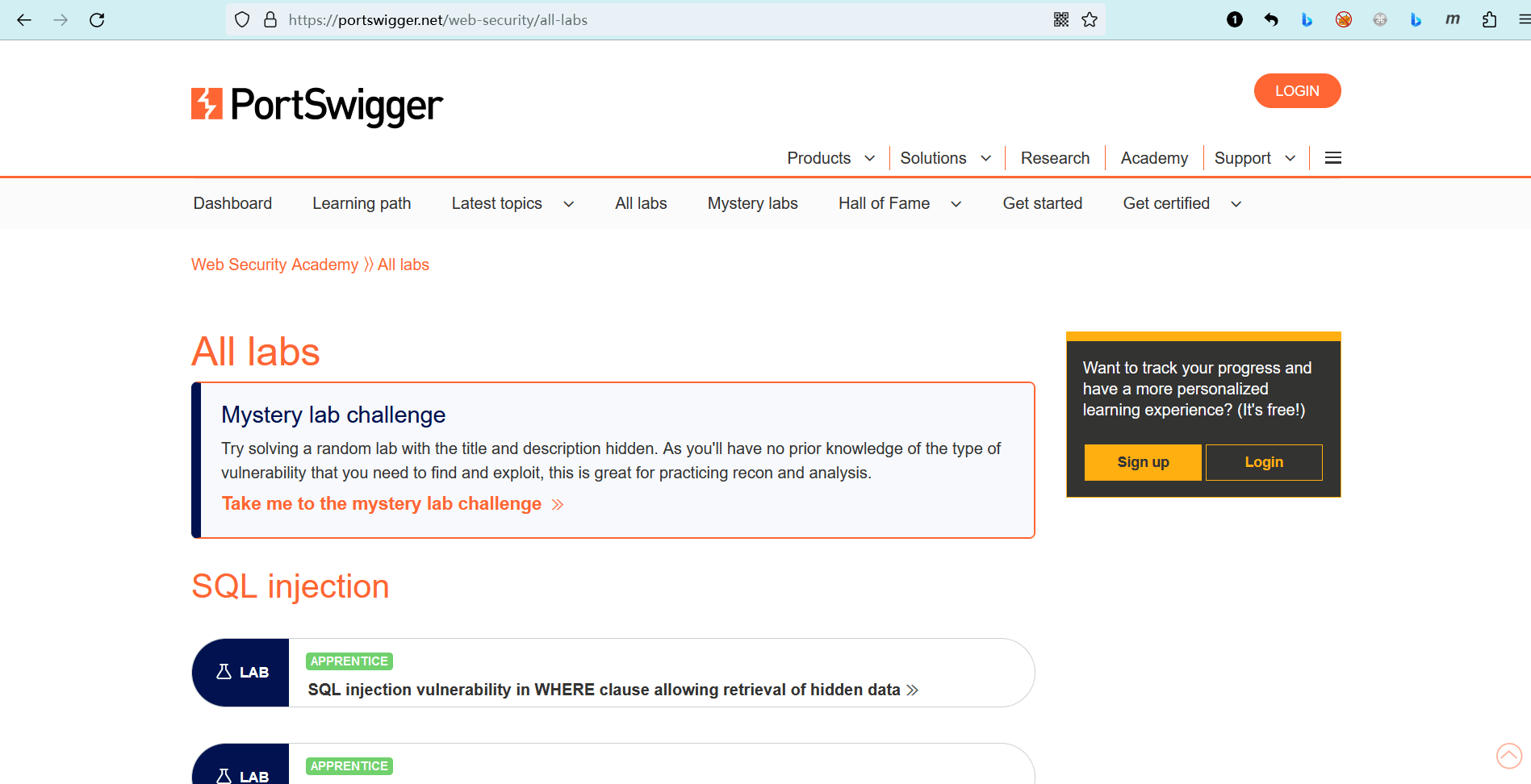
如果你已经具备相关理论知识,只想做一些实操练习,那么你可以在该链接找到所有的实验室(靶场):https://portswigger.net/web-security/all-labs (opens new window)
编辑 (opens new window)